
Creating a Property
After a Broker contacts you about a potential deal, it’s time to get started underwriting. To get started navigate to the Properties -> Underwriting section of your Admin Portal. From there click on the Add Property button.
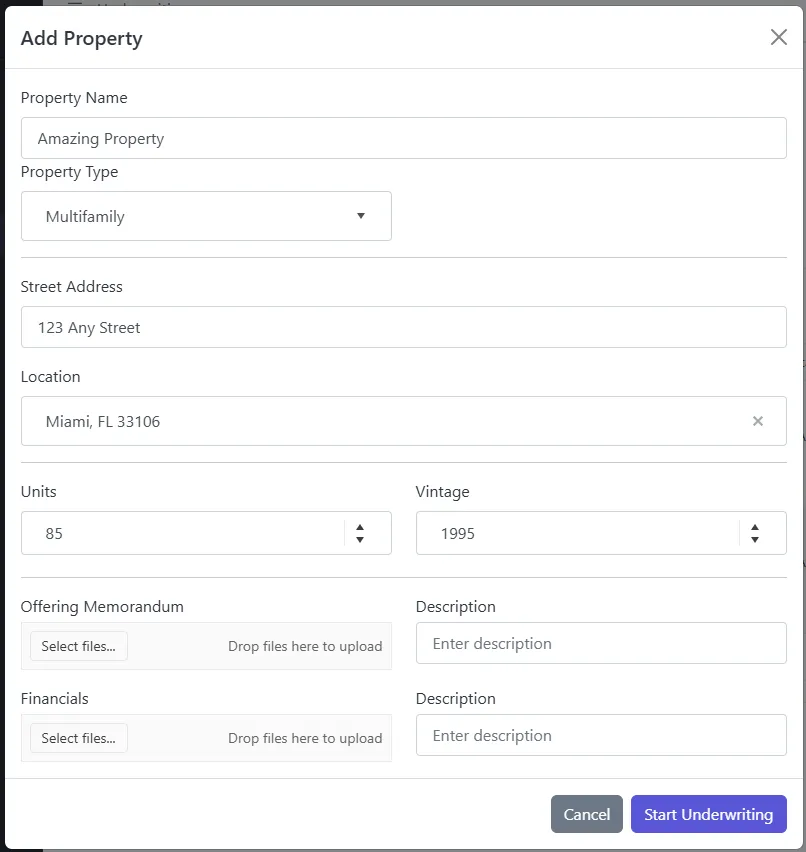
[!NOTE] You can quickly get the Location by entering the City & State or Zip Code. This will provide an autocomplete to assist you. This is then tied back to our database for Demographics for the area.